
Picture this: it’s match day. You’ve got your snacks sorted, your couch cushion perfectly arranged, and you fire up IPTV Smarters — only to be slapped in the face by that cold, clinical message: “Failed to Authorize.” Sound familiar? Yeah, we’ve all been there, and it is absolutely infuriating. The IPTV Smarters failed to authorize error is one of the most common — and most misunderstood — problems in the IPTV world. But here’s the good news: in the vast majority of cases, it’s a quick fix. This guide is going to walk you through every possible cause and every proven solution, so you can stop staring at error messages and start watching your content. Let’s dive in.

What Does “IPTV Smarters Failed to Authorize” Actually Mean?
Before we go spelunking for solutions, it helps to understand what the error is actually telling you. Think of it like a bouncer at a club. The IPTV Smarters app is trying to check your credentials with the server — your username, password, and portal URL — and the server is basically saying, “Sorry, I don’t know you.” The handshake between the app and the provider’s server has broken down somewhere. That breakdown can happen for a dozen different reasons, and knowing which one is your culprit saves you a ton of time.
Wanna try out our IPTV service ? Click HERE for an IPTV FREE Trial !
The Most Common Causes of the IPTV Smarters Failed to Authorize Error
Let’s be honest — blaming the app when things go wrong is human nature. But more often than not, the IPTV Smarters app itself is perfectly fine. The real culprits usually fall into a few key categories:
- Wrong credentials: A single mistyped character in your username, password, or server URL is enough to trigger the error.
- Expired subscription: If your IPTV plan lapsed, the server will reject your login immediately.
- Server-side issues: The provider’s server could be down for maintenance or experiencing high load.
- Device limit reached: Many IPTV plans cap the number of simultaneous connections. Hit that limit and you’ll get bounced.
- Incorrect portal type selected: IPTV Smarters supports multiple login methods (M3U URL, Xtream Codes, Stalker Portal). Choosing the wrong one is a classic stumbling block.
- VPN interference: Some VPN configurations can mask your location in a way that confuses provider authentication.
- App cache corruption: Old, corrupted data stored locally on the app can block a fresh login.
- Outdated app version: Running an older version of IPTV Smarters can cause compatibility failures with updated server-side authentication protocols.
Step-by-Step Fixes for IPTV Smarters Failed to Authorize
Step 1: Double-Check Your Login Credentials
This sounds almost insultingly simple, but you’d be amazed how many authorisation errors trace back to a capital letter in the wrong place or a trailing space in a copied-and-pasted URL. Go back to your provider confirmation email, copy each credential carefully, and re-enter them manually. Pay special attention to the portal URL — it needs to be exact, including the correct port number if one is specified. Think of it like a combination lock: every digit has to be right or the whole thing fails.
Step 2: Verify Your Subscription Status
Log into your provider’s customer portal or reach out to their support team to confirm your subscription is active and hasn’t quietly expired. Lots of IPTV plans are set to manual renewal, and it’s surprisingly easy to miss that renewal window. If you’re an IPTV Trends subscriber, your account dashboard makes it straightforward to check your plan status and renew in seconds.
Step 3: Choose the Correct Login Method
IPTV Smarters gives you three ways to add a service: M3U URL, Xtream Codes API, or Stalker Portal / MAG. Using the wrong one for your provider is a guaranteed authorization failure. Check with your provider which method they support. Xtream Codes is by far the most common for modern IPTV services, but some legacy systems still use M3U playlists. Matching the method to the provider is non-negotiable.
Wanna try out our IPTV service ? Click HERE for an IPTV FREE Trial !
Step 4: Clear the App Cache
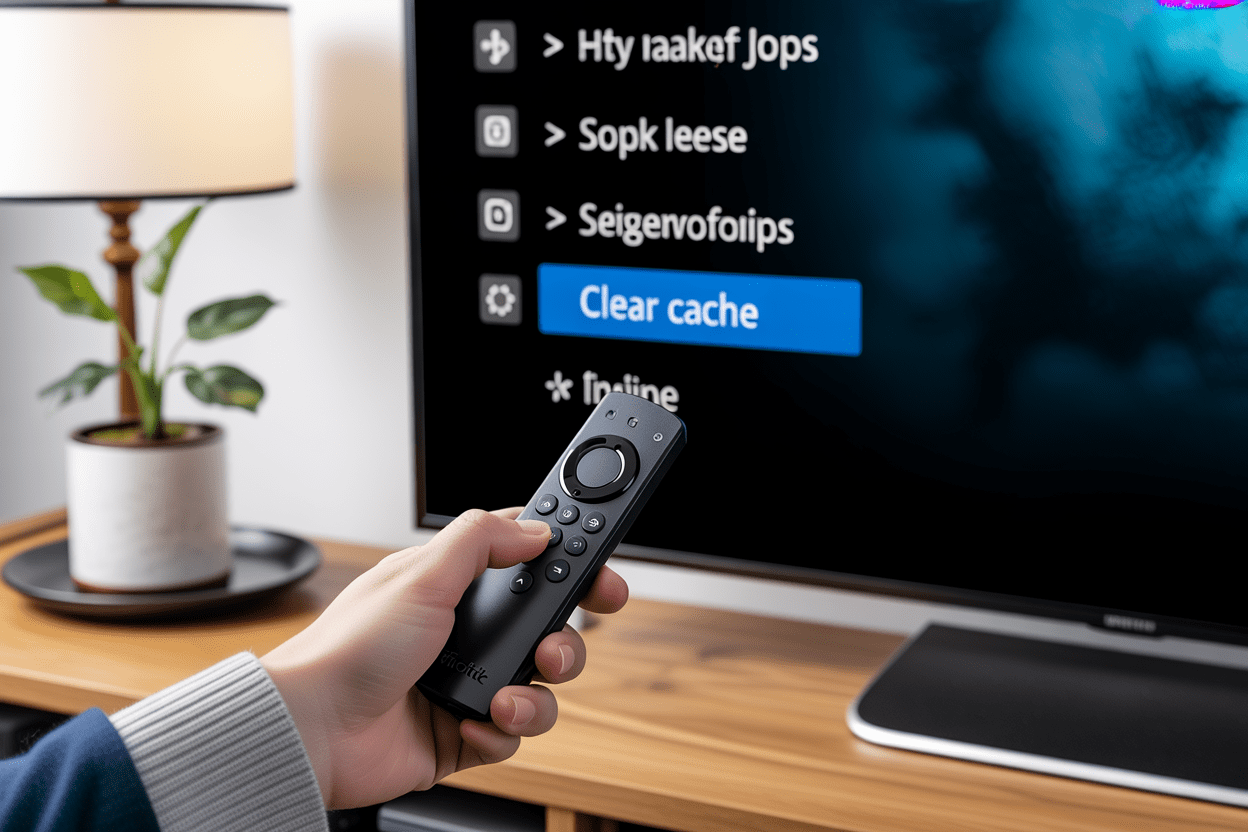
On Android devices, head to Settings > Apps > IPTV Smarters > Storage > Clear Cache. On Firestick, go to Settings > Applications > Manage Installed Applications > IPTV Smarters > Clear Cache. Stale cached data is like old gum stuck under a table — it doesn’t do anything useful and it causes friction. Clearing it forces the app to start fresh.
Step 5: Check Your Device Connection Limit
Most IPTV subscriptions allow one or two simultaneous streams. If you or someone else in your household is already streaming on another device under the same account, you’ll hit that wall. Disconnect other active sessions and try logging in again. If you regularly stream on multiple devices, consider upgrading to a multi-connection plan.
Step 6: Disable Your VPN (or Switch Servers)
VPNs are fantastic for privacy, but they can occasionally throw a wrench into IPTV authentication. Some providers geo-block access or restrict logins from known VPN IP ranges. Try disabling your VPN temporarily and logging in again. If the authorization goes through, you know the VPN is the issue — and you can experiment with a different VPN server location.
Step 7: Update or Reinstall IPTV Smarters
Running an outdated version of the app? That could be your problem. Head to your device’s app store, check for updates, and install any available version. If the app is already up to date but the error persists, a clean reinstall can wipe out any corrupted installation files that a cache clear might miss. It’s the nuclear option, but it works.
Step 8: Contact Your IPTV Provider
If you’ve worked through every step above and the IPTV Smarters failed to authorize error is still haunting you, the problem is almost certainly on the provider’s end. A server outage, a maintenance window, or an account-specific issue requires their intervention. A reliable provider will have responsive support to sort this out quickly.
Wanna try out our IPTV service ? Click HERE for an IPTV FREE Trial !
Quick Comparison: Common Causes vs. Fixes at a Glance
| Cause | Fix | Difficulty |
|---|---|---|
| Wrong credentials | Re-enter credentials carefully | Easy |
| Expired subscription | Renew your plan | Easy |
| Wrong login method | Select correct portal type | Easy |
| Corrupted cache | Clear app cache | Easy |
| Device limit reached | Disconnect other sessions | Easy |
| VPN conflict | Disable VPN or change server | Medium |
| Outdated app | Update or reinstall | Easy |
| Provider server issue | Contact provider support | Out of your hands |
How to Prevent the IPTV Smarters Failed to Authorize Error in the Future

Prevention is always better than a frantic troubleshooting session. Here are a few habits worth building:
- Save your credentials in a secure password manager — no more typos from memory.
- Set a calendar reminder for your subscription renewal date — a lapsed plan is the number-one cause of this error.
- Keep the IPTV Smarters app updated — new versions fix compatibility bugs you never even knew about.
- Use a reputable IPTV provider with proven server uptime — shaky providers mean frequent authorization headaches.
Why Your Choice of IPTV Provider Matters More Than You Think
Here’s the rub: even the most technically savvy user can’t fix a bad provider. If your IPTV service runs on overloaded servers with poor infrastructure, authorization errors will keep coming back like a bad penny. That’s why choosing a reliable IPTV service in 2026 isn’t just about channel count — it’s about the quality of the backend technology keeping your stream alive.
At IPTV Trends, we’ve built our platform around server stability, redundancy, and lightning-fast authentication. Our Xtream Codes API plays beautifully with IPTV Smarters, our credential delivery is clear and immediate, and our support team actually picks up when something goes sideways. Whether you’re tuning in for Premier League fixtures, blockbuster movies, or international channels, you deserve a service that doesn’t make you fight for access every time you open the app. And if you’re curious how we stack up against the competition, check out our breakdown of the best IPTV services of 2026 for a full picture.
Ready to Stream Without the Drama?
Wanna try out our IPTV service? IPTV Trends offers flexible plans, crystal-clear streams, and the kind of uptime that means authorization errors become a distant memory. Grab your free trial today and experience the difference a rock-solid provider makes. Stop wrestling with error messages and start streaming the way you always wanted to.
Wanna try out our IPTV service ? Click HERE for an IPTV FREE Trial !
Conclusion
The IPTV Smarters failed to authorize error is annoying, but it’s rarely a catastrophe. Nine times out of ten, the fix is something simple — a typo, an expired plan, a stale cache. Work through the steps in this guide methodically, and you’ll almost certainly be back up and running in under ten minutes. And if the problem keeps recurring despite your best efforts, that’s your signal to level up to a provider whose infrastructure doesn’t let you down. Life’s too short for buffering screens and authorization errors. Stream smarter.
Frequently Asked Questions
1. Why does IPTV Smarters keep saying “Failed to Authorize” even after I enter the right credentials?
If your credentials are definitely correct, the issue is likely server-side — either your provider’s server is temporarily down, your subscription has lapsed without notice, or you’ve hit the maximum number of simultaneous connections allowed on your plan. Contact your provider to confirm your account status.
2. Does the IPTV Smarters failed to authorize error mean my account has been banned?
Not necessarily. While a ban can trigger this error, so can an expired subscription, a server outage, or a simple credential mismatch. Check with your provider before assuming the worst.
3. Can a VPN cause the IPTV Smarters failed to authorize error?
Yes, absolutely. Some IPTV providers block logins from known VPN IP ranges or geo-restrict access. Try disabling your VPN or switching to a different VPN server location to see if the error clears.
4. What is the difference between M3U URL login and Xtream Codes login in IPTV Smarters?
M3U URL login uses a direct playlist link to load your channels. Xtream Codes uses a server URL, username, and password to authenticate with the provider’s API — it typically offers more features like EPG and VOD management. Using the wrong method for your provider will cause an authorization failure.
5. How do I clear the cache on IPTV Smarters on a Firestick?
Go to Settings > Applications > Manage Installed Applications, find IPTV Smarters in the list, select it, and choose Clear Cache. This removes stored data without deleting the app itself.
6. Will reinstalling IPTV Smarters delete my playlist or login details?
Yes, a full uninstall will remove your saved profiles and credentials within the app. Make sure you have your provider credentials saved somewhere before reinstalling so you can set everything up again quickly.
7. How many devices can I use simultaneously with one IPTV subscription?
This varies by provider and plan. Most basic plans allow one connection, while premium plans may allow two, three, or more. Exceeding your connection limit is a common cause of the IPTV Smarters failed to authorize error. Check your plan details or contact your provider.
8. Is IPTV Smarters free to use?
IPTV Smarters Pro has a free version with basic features and a paid version with advanced functionality. However, you still need an active IPTV subscription from a provider like IPTV Trends to actually stream content through the app.
9. Why does the error only happen on one of my devices and not another?
This usually points to a device-specific problem — a corrupted cache, an outdated app version, or a device that’s been flagged for exceeding connection limits. Try clearing the cache or reinstalling the app on the problematic device specifically.
10. What should I look for in an IPTV provider to avoid authorization errors?
Look for providers with proven server uptime (99%+), clear credential delivery, responsive customer support, and compatibility with standard apps like IPTV Smarters via Xtream Codes. Choosing the right IPTV provider in 2026 is the single best way to minimise technical headaches like authorization errors before they ever start.