
Picture this: Room 412. A business traveler, jet-lagged, cranky, just wants to unwind with a football match before a 7 a.m. meeting. He hits the remote, and instead of crisp 1080p action, he gets blocky pixels crawling across the screen like a bad mosaic. He calls the front desk. You lose a five-star review before breakfast. Sound familiar?

Here’s the rub — that nightmare isn’t caused by a bad TV or a weak signal. Nine times out of ten, the culprit is a poorly chosen or misconfigured H.264 H.265 HDMI encoder hotel IPTV compression setup. Get the codec right, and your entire hotel’s entertainment infrastructure transforms from a liability into a genuine selling point. Get it wrong, and you’re living in complaint-central forever.
This guide walks you through everything — the codecs, the hardware, the settings, and the strategy — so you can make an educated choice and never hear “the TV isn’t working” again. Let’s dig in.
Wanna try out our IPTV service ? Click HERE fot an IPTV FREE Trial Account NOW !
Why Codec Choice Is the Single Biggest Decision in Hotel IPTV
Most hotel engineers obsess over bandwidth. Fair enough — bandwidth costs money. But the smarter question is: how much quality can you squeeze out of the bandwidth you already have? That’s where codec selection changes everything. Think of a codec like a master packer — H.264 (AVC) is the reliable workhorse who fills a suitcase efficiently; H.265 (HEVC) is the genius who fits twice as much into the same bag without wrinkling a single shirt.
For a 300-room hotel streaming 50 simultaneous channels at 1080p, the difference between H.264 and H.265 can literally halve your required network infrastructure investment. We’re talking real money, real fast.
H.264 vs H.265: Breaking Down the Codecs for Hotel Use
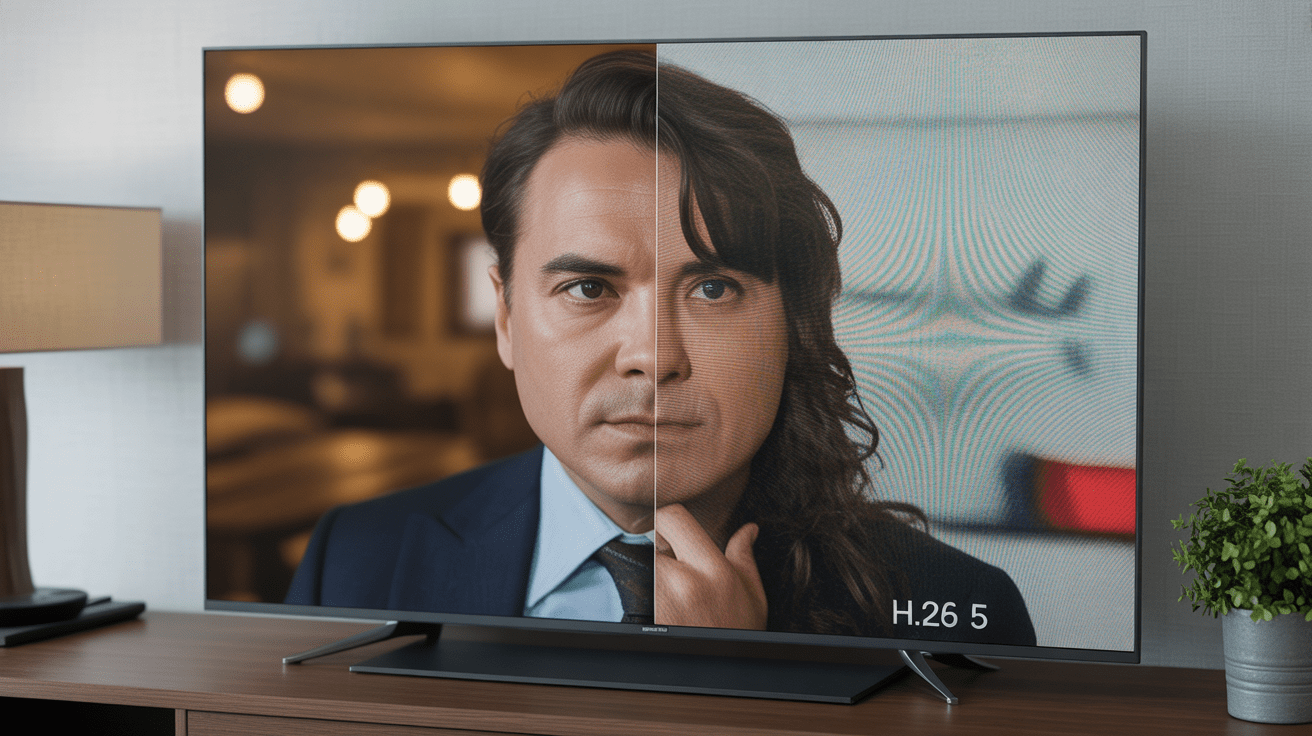
Let’s be honest — the alphabet soup of video codecs can feel overwhelming. But for hotel IPTV, you really only need to understand two players deeply.
H.264 (AVC) — The Reliable Veteran
H.264, also called AVC (Advanced Video Coding), has been the industry standard since the mid-2000s. It’s supported by virtually every device on the planet — from the cheapest Android set-top box to every smart TV manufactured in the last decade. That universal compatibility is its superpower. If you’re deploying a hotel IPTV system on a tight budget with older STBs already in the rooms, H.264 is your safety net.
- Typical bitrate for 1080p: 4–8 Mbps
- Device compatibility: near-universal
- Processing load on encoder: moderate
- Licensing costs: widely available, mature ecosystem
H.265 (HEVC) — The Bandwidth Saver
H.265, or HEVC (High Efficiency Video Coding), delivers the same perceived picture quality as H.264 at roughly half the bitrate. For a hotel network, that’s not just an efficiency gain — it’s a structural advantage. You can push 4K UHD content down the same pipe that used to carry 1080p H.264. More channels, better quality, same bandwidth envelope.
- Typical bitrate for 1080p: 2–4 Mbps
- Typical bitrate for 4K: 8–15 Mbps
- Device compatibility: modern STBs and smart TVs (post-2016)
- Processing load on encoder: higher (demands more powerful hardware)
- Licensing costs: slightly higher, but declining rapidly
Codec Comparison Table: H.264 vs H.265 for Hotel IPTV
| Feature | H.264 (AVC) | H.265 (HEVC) |
|---|---|---|
| Compression Efficiency | Good | Excellent (2× better) |
| 1080p Bitrate | 4–8 Mbps | 2–4 Mbps |
| 4K UHD Support | Limited | Native |
| Device Compatibility | Universal | Modern devices (2016+) |
| Encoder CPU Load | Moderate | High |
| Latency | Very low | Low (slightly higher) |
| Best Use Case | Legacy systems, wide compatibility | 4K, bandwidth-sensitive large hotels |
What Is an HDMI Encoder and Why Do Hotels Need One?
An HDMI encoder is the device that takes a live video signal — say, a satellite receiver, a cable box, a Blu-ray player, or a live broadcast feed — and converts it into a compressed digital stream that travels over your hotel’s IP network to every room. Without it, you’d need coaxial cable runs to every room individually. That’s 1970s technology.
Modern HDMI encoders for hotel IPTV systems do far more than compress video. The best units handle multi-rate encoding, meaning they simultaneously output multiple bitrate versions of the same channel — say, a full 1080p stream for the guest room TV and a leaner 480p version for the mobile app. That’s the backbone of a smart, adaptive hotel IPTV architecture. For a deeper dive into choosing the right hardware, the pillar guide on how to choose an IPTV encoder for a large hotel covers hardware selection in exhaustive detail.
Wanna try out our IPTV service ? Click HERE fot an IPTV FREE Trial Account NOW !
Multi-Rate Encoding: Why One Bitrate Is Never Enough
Here’s something that catches a lot of hotel IT managers off guard: not every device in your hotel consumes video the same way. The 65-inch 4K TV in the penthouse suite demands a very different stream than the tablet a guest is using by the pool. Multi-rate encoding solves this elegantly.
A proper H.264 H.265 HDMI encoder hotel IPTV compression setup will produce what’s called an ABR (Adaptive Bitrate) ladder — multiple renditions of the same content at different resolutions and bitrates. The player on the end device picks the best version it can handle given the available bandwidth. The result? No buffering, no quality drops, no complaints.
Typical Multi-Rate Ladder for Hotel IPTV
| Profile | Resolution | H.264 Bitrate | H.265 Bitrate | Target Device |
|---|---|---|---|---|
| High | 1080p | 6 Mbps | 3 Mbps | Room TV / Smart TV |
| Medium | 720p | 3 Mbps | 1.5 Mbps | Laptop / Large Tablet |
| Low | 480p | 1.2 Mbps | 600 Kbps | Smartphone / Pool Tablet |
| Ultra (4K) | 2160p | N/A | 12 Mbps | Premium Suite TV |
The complete technical framework for deploying this in a large property is laid out in the pillar guide on HDMI encoder for hotel IPTV system multi rate — if you’re building from scratch, that’s essential reading.
Key Encoder Specifications to Look For
Not all encoders are created equal. When you’re evaluating hardware for your hotel IPTV system, here’s what actually matters beyond the H.264 vs H.265 debate:
Input Channel Count
Small boutique hotel? A 4-channel encoder might be enough. A 500-room resort with 60 live channels? You need rack-mounted encoders with scalable channel counts, potentially networked together. Always plan for 20% more capacity than you think you need — content appetite grows fast.
Output Protocol Support
Your encoder needs to speak the right language. Look for support for RTSP, HLS, MPEG-TS over UDP, and ideally RTMP. HLS is essential for mobile device compatibility; MPEG-TS is the backbone of traditional IPTV middleware systems.
Hardware vs Software Encoding
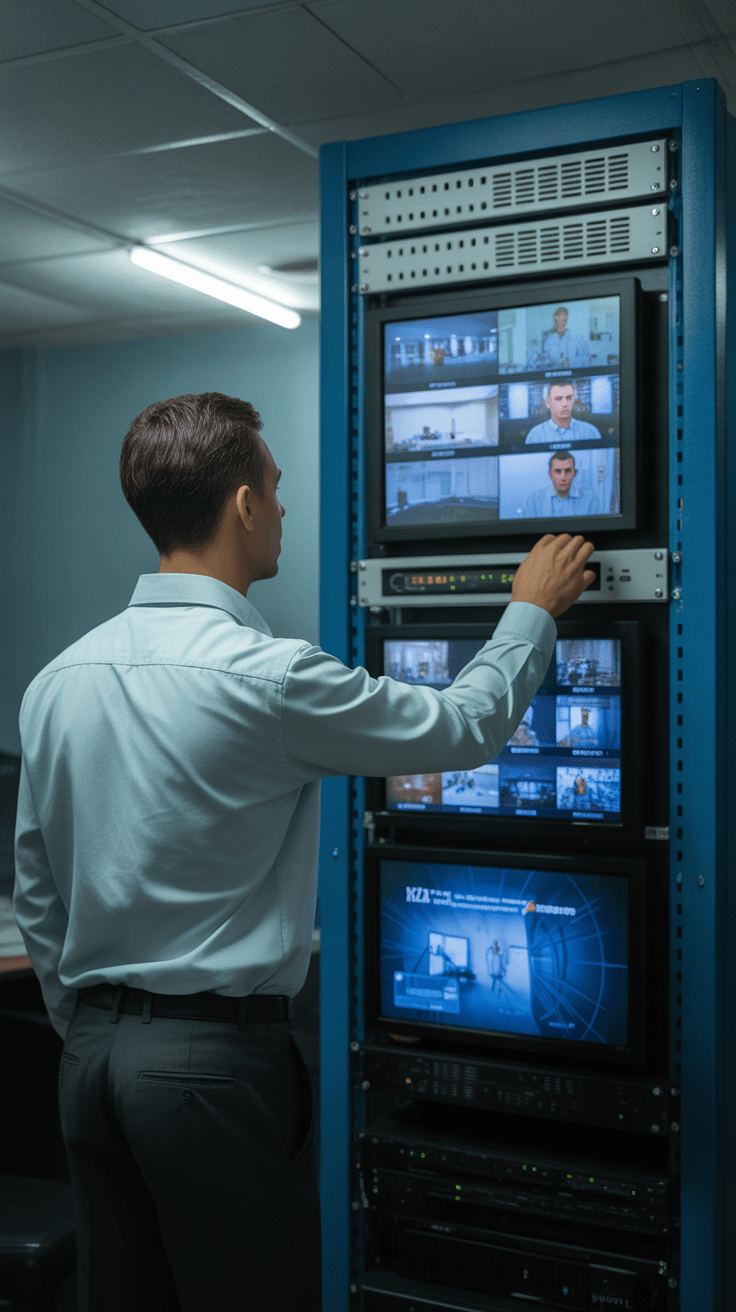
Hardware encoders (dedicated ASICs or FPGAs) offer superior performance, lower latency, and rock-solid reliability — critical in a 24/7 hotel environment. Software encoders running on general-purpose servers are more flexible but can introduce latency spikes during heavy loads. For hotels, hardware wins every time. As we explored in the guide on IPTV encoder essentials, dedicated hardware is the backbone of professional streaming setups.
Wanna try out our IPTV service ? Click HERE fot an IPTV FREE Trial Account NOW !
Network Infrastructure: How Compression Changes the Equation
Here’s where the rubber meets the road. Let’s say your hotel has 200 rooms, each with a TV, and you want to offer 40 live channels. What does your network actually need to handle?
With H.264 at 6 Mbps per channel: 40 channels × 6 Mbps = 240 Mbps of multicast traffic on your core network. With H.265 at 3 Mbps per channel: 40 channels × 3 Mbps = 120 Mbps. That’s half the backbone requirement — meaning you can either upgrade to 4K channels with the same infrastructure, or save significantly on switching hardware. Both outcomes represent real competitive advantage.
Combine this with IP multicast (which delivers one stream to all rooms simultaneously rather than unicast to each) and you’ve built a hotel IPTV system that scales gracefully without crushing your network.
Common Mistakes Hotels Make With IPTV Compression
Let’s be blunt about the traps people fall into:
- Over-compressing: Pushing H.264 below 2 Mbps for 1080p content creates visible compression artifacts — those blocky macroblocks guests notice and screenshot for their TripAdvisor review.
- Ignoring audio: Video compression gets all the attention, but poor AAC or AC3 audio encoding undermines the entire experience. Always encode audio at 192 Kbps minimum.
- No redundancy: Using a single encoder with no failover. When it crashes at 9 p.m. on a Saturday, you’ll wish you’d budgeted for redundancy.
- Mismatched STBs: Deploying H.265 streams to rooms with H.264-only set-top boxes. Always verify end-device codec support before choosing your compression standard.
- Static bitrate settings: Not implementing VBR (Variable Bitrate) — a static CBR wastes bandwidth on low-motion content and under-serves high-action scenes like sports.
Choosing Between H.264 and H.265 for Your Hotel Right Now
Here’s my honest take: if you’re building a new hotel IPTV system from the ground up in 2026, go H.265. The hardware costs have dropped dramatically, the STBs that support HEVC are affordable and widely available, and the bandwidth savings will pay for the encoder upgrade within 18 months in a mid-size property.
If you’re upgrading an existing system with legacy STBs already deployed in rooms, start with H.264 and run a parallel H.265 infrastructure as you rotate out older hardware. A dual-codec encoder that outputs both simultaneously gives you a smooth migration path without a single night of downtime.
According to ITU-T’s video coding standards documentation, H.265/HEVC achieves 40–50% better compression efficiency over H.264 at equivalent perceptual quality — a figure that translates directly into dollars saved on hotel network infrastructure.
Ready to Level Up Your Hotel Streaming?
You’ve got the knowledge. Now you need a streaming partner who actually delivers on the promise. Whether you’re building a hotel IPTV system, upgrading your encoder stack, or just tired of the status quo, IPTV Trends has the infrastructure, the expertise, and the channel catalog to back it all up. Wanna try out our IPTV service? Start your free trial today and experience the difference that proper compression architecture makes — no contracts, no pixelated disasters, just pure, crystal-clear streaming.
Wanna try out our IPTV service ? Click HERE fot an IPTV FREE Trial Account NOW !
Conclusion
The gap between a hotel that guests rave about and one they quietly never book again often comes down to invisible infrastructure. H.264 H.265 HDMI encoder hotel IPTV compression isn’t just a technical checkbox — it’s the foundation of your in-room entertainment experience. Choose the right codec for your device fleet, implement multi-rate encoding for adaptive quality, invest in hardware-grade encoders, and your network will deliver the kind of seamless, high-definition viewing that earns five-star reviews. It’s not magic. It’s just smart engineering — and now you know exactly how to do it.
Frequently Asked Questions
1. What is the main difference between H.264 and H.265 for hotel IPTV?
H.264 offers broad device compatibility and moderate compression, while H.265 delivers roughly twice the compression efficiency — meaning the same video quality at half the bitrate. For hotels, H.265 saves significant bandwidth, especially with 4K content, but requires modern set-top boxes that support HEVC decoding.
2. Can I run H.264 and H.265 streams simultaneously on the same hotel IPTV system?
Absolutely. Many professional HDMI encoders designed for hotel IPTV support dual-codec output, streaming H.264 to legacy devices and H.265 to modern STBs at the same time. This is the recommended approach for hotels transitioning between codec generations without service interruption.
3. What bitrate should I use for H.265 1080p encoding in a hotel environment?
For a clean, artifact-free 1080p H.265 stream, target 2.5–4 Mbps using VBR (Variable Bitrate). Use the higher end of that range for sports or high-motion content, and the lower end for news or talk shows. Going below 2 Mbps for 1080p H.265 risks visible quality degradation that guests will notice.
4. What is multi-rate encoding and why does my hotel IPTV system need it?
Multi-rate encoding means your encoder outputs the same channel at multiple resolutions and bitrates simultaneously — for example, 1080p for room TVs, 720p for laptops, and 480p for mobile devices. This enables adaptive bitrate (ABR) playback, where the guest’s device automatically selects the best quality stream for its available bandwidth, eliminating buffering.
5. Is an HDMI encoder necessary if I already have a cable TV headend?
Yes, if you want to distribute content over an IP network rather than coaxial cable. An HDMI encoder converts your video sources into IP streams compatible with IPTV middleware, smart TVs, and STBs. Without it, you’re locked into legacy coax distribution, which limits channel count, interactivity, and scalability.
6. How many channels can a single HDMI encoder typically handle?
It varies by hardware. Entry-level units handle 1–4 channels; mid-range professional encoders support 8–16 channels; enterprise-grade rack units can manage 32–64+ channels with full H.264/H.265 dual-codec output. Large hotels typically use multiple encoder units networked together to cover their full channel lineup.
7. Does H.265 encoding cause higher latency than H.264?
Slightly, yes. H.265’s more complex compression algorithm adds a small amount of encoding latency compared to H.264 — typically 100–300 milliseconds more on hardware encoders. In practice, for live TV viewing in hotel rooms, this difference is imperceptible. For applications requiring ultra-low latency (live gaming, interactive services), H.264 may still be preferred.
8. What output protocols should my hotel IPTV encoder support?
At minimum, look for MPEG-TS over UDP/RTP for traditional IPTV middleware, HLS for smart TV and mobile app compatibility, and RTSP for direct stream access. RTMP support is useful if you want to push streams to cloud platforms. The more protocols your encoder supports, the more flexible your hotel IPTV architecture becomes.
9. How does IP multicast work with hotel IPTV encoders?
IP multicast allows your encoder to send one copy of each channel stream to the network, and the network infrastructure (managed switches, IGMP snooping) delivers it to all requesting devices simultaneously. Without multicast, each room would require its own unicast stream — multiplying bandwidth consumption by the number of rooms. Multicast is essential for hotel IPTV scalability.
10. When should a hotel choose H.264 over H.265 in 2026?
Choose H.264 when your existing in-room set-top boxes don’t support H.265 decoding, when you’re on an extremely tight budget and can’t upgrade STBs, or when you’re running a smaller property where the bandwidth savings from H.265 don’t justify the hardware upgrade cost. For any new installation or major refresh in 2026, H.265 is the strategic choice for future-proofing your hotel IPTV system.