
Picture this: a guest at your hotel picks up the TV remote, scrolls through the channel guide, and hits — nothing. Black screen. Maybe a flicker. Maybe a frozen frame that looks like a cubist painting. They call the front desk, you call IT, and suddenly a perfectly good Saturday morning is on fire.

Sound familiar? HDMI encoder signal loss hotel IPTV problems are one of the sneakiest, most disruptive issues in hospitality AV — and they almost always happen at the worst possible moment. The good news? Most of them are completely fixable once you know where to look. Let’s dig in.
Wanna try out our IPTV service ? Click HERE & get an IPTV FREE Trial Account NOW !
Why HDMI Encoder Signal Loss in Hotel IPTV Is Such a Big Deal
Hotels aren’t just selling beds — they’re selling an experience. A glitchy TV is the kind of thing that ends up in a TripAdvisor review at 11 PM. When your HDMI encoder signal loss hotel IPTV setup starts misbehaving, it cascades: one faulty encoder can kill signal to an entire floor. We’re talking dozens of rooms going dark simultaneously. That’s not a technical hiccup — that’s a revenue and reputation problem wrapped in one.
The encoder sits at the heart of your IPTV distribution chain. It takes the raw HDMI signal from your source — satellite receiver, cable box, local channel feed — and converts it into an IP stream that every TV on your network can receive. When that chain breaks, everything downstream breaks with it. Understanding where in the chain the failure lives is half the battle.
The Most Common Causes of HDMI Encoder Signal Loss
1. HDCP Handshake Failures
HDCP (High-bandwidth Digital Content Protection) is the digital bouncer at the IPTV club. It’s designed to prevent piracy, but it has a nasty habit of refusing entry to perfectly legitimate signals. When your source device and your encoder can’t complete the HDCP handshake, you get a blank or flickering screen. This is one of the most common culprits for HDMI encoder signal loss hotel IPTV setups — especially after a power cycle or firmware update.
Fix it: Power-cycle both the source device and the encoder. If that doesn’t work, try an HDCP-compliant HDMI splitter between the source and encoder, or check whether your encoder supports the HDCP version your source outputs (1.4 vs 2.2 matters more than you’d think).
2. Cable Quality and Length Issues
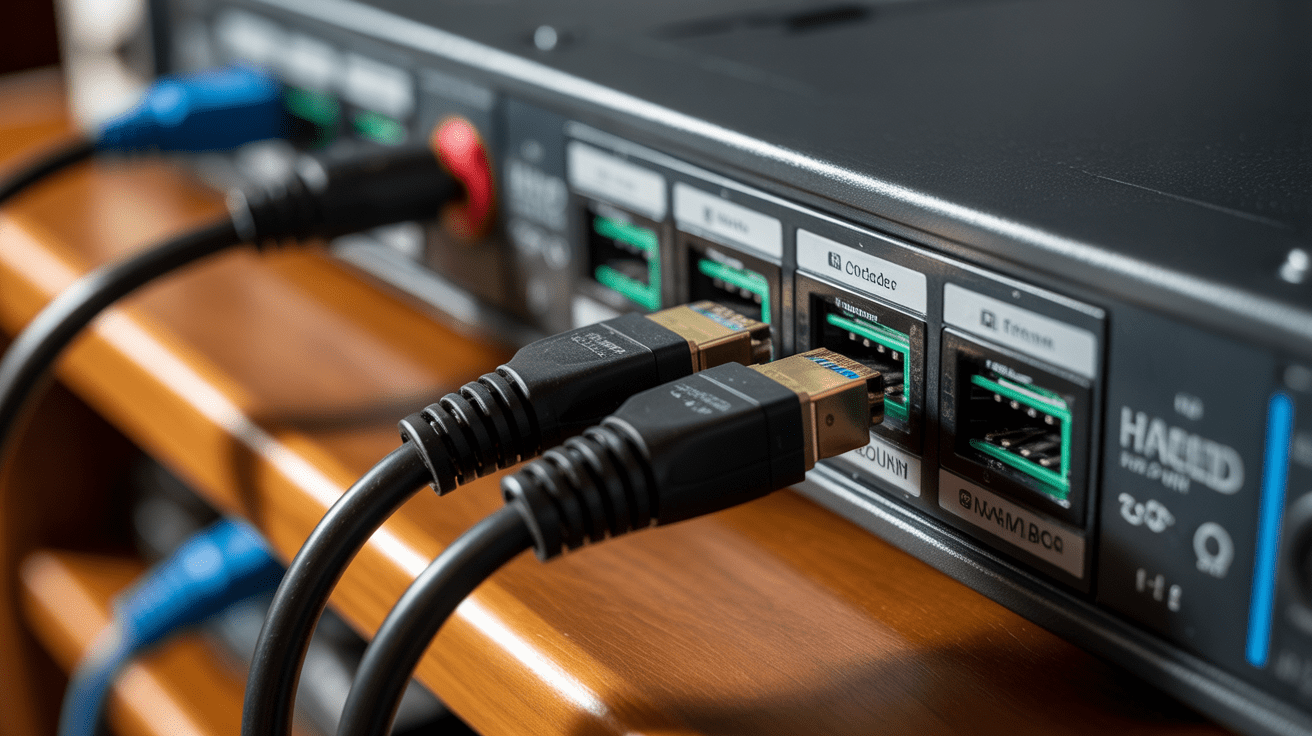
Here’s the rub: HDMI signals are notoriously sensitive to cable quality over distance. A cheap 15-meter cable running from your headend rack to an encoder input is practically begging for signal degradation. Hotels often have sprawling infrastructure — long cable runs are inevitable. Passive HDMI cables start losing signal integrity beyond about 10 meters without active assistance.
Fix it: Replace long passive cables with active HDMI cables or fiber-optic HDMI extenders. For anything over 15 meters, don’t even argue — go fiber. It’s the smarter investment every time.
3. Encoder Overheating
Your encoder is basically a tiny computer running 24/7 inside a metal rack that may or may not have adequate ventilation. Overheating causes thermal throttling, random reboots, and — you guessed it — signal drops. If your rack room feels like a sauna in summer, your encoders are suffering silently.
Fix it: Check that rack fans are working, add blanking panels to unused rack slots to improve airflow, and consider a dedicated cooling unit for your headend room. Monitor operating temps if your encoder has a web interface — most professional units do.
4. Firmware and Software Bugs
Sometimes the enemy is invisible — a firmware bug that quietly corrupts your encoding pipeline over time. This is especially common after an automatic update that nobody noticed happening at 3 AM. Suddenly your encoder is running firmware that has a known bug with certain resolutions or bitrates.
Fix it: Check the manufacturer’s release notes before updating firmware. If signal loss started after an update, roll back to the previous stable version. Most enterprise-grade encoders support firmware rollback via their admin interface.
5. Network Congestion and Packet Loss
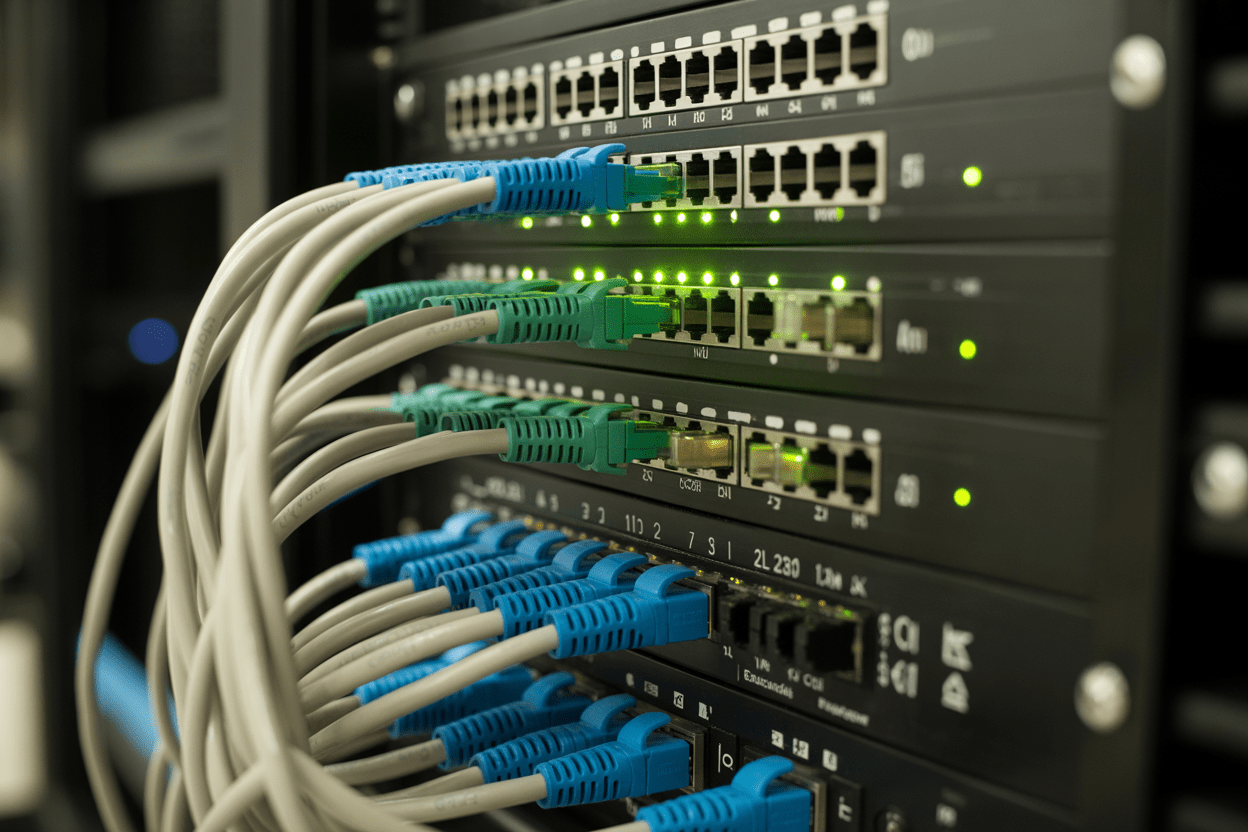
Wait — isn’t this an HDMI issue? Yes and no. Once your encoder converts the HDMI signal to an IP stream, network quality becomes critical. If your hotel network is saturated (think: conference day with 300 guests hammering the WiFi), multicast streams can drop packets, causing freezing and signal-loss symptoms that look exactly like an encoder hardware problem.
Fix it: Segment your IPTV traffic onto a dedicated VLAN, separate from guest internet. Enable IGMP snooping on your managed switches to ensure multicast traffic is only sent where it’s needed — not flooded across the entire network.
Wanna try out our IPTV service ? Click HERE & get an IPTV FREE Trial Account NOW !
Step-by-Step HDMI Encoder Signal Loss Troubleshooting Checklist
Alright, enough theory. Here’s your practical battlefield checklist when HDMI encoder signal loss hotel IPTV strikes:
- Step 1: Identify scope — is the signal loss affecting one channel, one encoder, one floor, or the whole property? Scope tells you where to look first.
- Step 2: Check physical connections — reseat HDMI cables at both the source and encoder end. You’d be amazed how often this alone fixes the problem.
- Step 3: Reboot the encoder — not just a soft restart, a full power cycle. Wait 60 seconds before powering back on.
- Step 4: Reboot the source device — satellite box, cable receiver, media player. Let the HDCP handshake renegotiate fresh.
- Step 5: Check encoder admin interface — look for error logs, temperature readings, stream status, and bitrate output.
- Step 6: Test with a known-good source — plug a laptop or Blu-ray player directly into the encoder to isolate whether the issue is source-side or encoder-side.
- Step 7: Inspect network health — check switch logs for packet loss, verify IGMP snooping is enabled, and confirm your IPTV VLAN is functioning.
- Step 8: Check firmware version and compare against manufacturer’s latest stable release.
- Step 9: Test cable integrity — swap in a known-good cable, or test with an HDMI signal tester if available.
- Step 10: Contact manufacturer support with logs — if all else fails, your encoder’s diagnostic logs are gold for their support team.
Encoder Signal Loss vs. Network Delivery Issues: How to Tell the Difference

| Symptom | Likely Cause | Where to Look |
|---|---|---|
| All channels on one encoder go black | Encoder hardware / HDCP failure | Encoder admin, HDMI cables |
| One channel across all rooms drops | Source device or that encoder’s input | Source device, specific encoder |
| Intermittent freezing on all channels | Network congestion / packet loss | Switch logs, VLAN config, IGMP |
| Signal fine in some rooms, black in others | Network delivery / IPTV middleware | Switch topology, room set-top boxes |
| Pixelation / macroblocking visible | Low bitrate or cable degradation | Encoder bitrate settings, HDMI cable |
Multi-Rate Encoding: Why It Matters for Signal Stability
If you’ve been dealing with persistent signal issues, here’s a concept worth understanding: multi-rate encoding. Instead of encoding your HDMI source at a single fixed bitrate, modern encoders can output multiple streams at different bitrates simultaneously. This means a 4K suite TV gets a high-bitrate stream while a standard-def TV in a budget room gets a leaner stream — both from the same encoder input.
This isn’t just a quality feature. It’s a stability feature. When your network is congested, lower bitrate streams are less likely to drop. Multi-rate encoding is a central concept in proper hotel IPTV architecture, and if you want to go deeper on how it all fits together, check out our comprehensive guide: How to Choose an IPTV Encoder for Large Hotel: The Ultimate Buyer’s Guide.
Wanna try out our IPTV service ? Click HERE & get an IPTV FREE Trial Account NOW !
Preventive Maintenance: Stop Signal Loss Before It Starts
Regular Cable Audits
Schedule a physical inspection of your HDMI runs every six months. Cables get pinched, connectors corrode, and rack cabling gets disturbed during other maintenance. A 30-minute audit can prevent a 3-AM emergency call.
Temperature Monitoring
Set up SNMP or use your encoder’s built-in alerts to email you when operating temps exceed safe thresholds. Don’t wait for a meltdown — literally.
Firmware Update Policy
Never update firmware on a Friday before a weekend. Always test on one encoder first. Read the changelog. This sounds obvious but it’s ignored constantly in busy hotel operations.
VLAN and Network Segmentation
If you haven’t already separated your IPTV traffic from guest internet, do it now. This single step eliminates an entire category of intermittent signal loss problems. Your network admin will thank you — and so will your guests.
When to Call in the Experts (and When to Switch Approach)
Sometimes the hardware is sound, the cables are fine, and the network is healthy — but guests are still experiencing HDMI encoder signal loss hotel IPTV symptoms. At that point, you might be dealing with a middleware or IPTV platform issue rather than an encoder problem at all. If your content delivery architecture is aging or was cobbled together over years without a coherent plan, it may be time for a more fundamental rethink.
For hotels that want to bypass the complexity of managing an on-premises encoder stack entirely, cloud-based IPTV solutions are increasingly viable. They shift the encoding and delivery infrastructure off-site, leaving your team to focus on guest experience rather than server rooms. It’s worth understanding the landscape — our guide to reliable IPTV service in 2026 covers what to look for when evaluating modern alternatives.
And if you want the full architectural picture — including how multi-rate encoding ties into a hotel’s entire IPTV signal chain — revisit the pillar resource that underpins all of this: the complete guide on HDMI encoder for hotel IPTV system multi rate, which covers encoder selection, stream configuration, and scalable deployment from the ground up.
Ready to Stop Fighting Signal Loss for Good?
Let’s be honest — nobody got into hotel management to spend their weekends debugging encoder racks. If your property is struggling with persistent HDMI encoder signal loss in your hotel IPTV system, it might be time to pair your infrastructure with a content delivery partner that’s built for reliability. Wanna try out our IPTV service? IPTV Trends delivers stable, high-quality streams that complement your existing setup — or give you a smarter path forward. Explore why IPTV Trends is the best IPTV provider in 2026 and see what a rock-solid streaming foundation actually looks like.
Conclusion
HDMI encoder signal loss in a hotel IPTV system is frustrating, but it’s rarely mysterious once you know the playbook. Start with the physical layer — cables, connections, HDCP handshakes. Move to the encoder itself — heat, firmware, config. Then check the network. Work through the checklist methodically, keep your firmware policy sane, and invest in proper network segmentation.
Do those things, and you’ll spend a lot less time on hold with tech support and a lot more time delivering the seamless guest experience your hotel deserves. According to the HDMI Forum’s official FAQ, most consumer and commercial signal issues trace back to cable quality and HDCP compliance — which confirms that the basics really do matter most. Fix the basics, and the signal takes care of itself.
Wanna try out our IPTV service ? Click HERE & get an IPTV FREE Trial Account NOW !
Frequently Asked Questions
1. What causes HDMI encoder signal loss in hotel IPTV systems?
The most common causes include HDCP handshake failures between the source and encoder, poor-quality or excessively long HDMI cables, encoder overheating, firmware bugs, and network congestion causing multicast packet loss downstream.
2. How do I know if the signal loss is coming from the encoder or the network?
If all channels on a single encoder go black simultaneously, the issue is likely at the encoder or source. If the problem affects rooms inconsistently or causes freezing across all channels, look at the network — packet loss, IGMP configuration, and VLAN segmentation are prime suspects.
3. Can HDCP cause complete signal blackout on hotel TVs?
Absolutely. HDCP authentication failures are one of the leading causes of sudden, complete black screens in hotel IPTV systems. Power-cycling both the source device and the encoder usually forces a fresh handshake and resolves the issue.
4. How long can HDMI cables run reliably in a hotel headend setup?
Passive HDMI cables become unreliable beyond approximately 10 meters. For longer runs — which are common in hotel rack rooms — use active HDMI cables, HDMI signal boosters, or fiber-optic HDMI extenders. Fiber is the most reliable option for runs over 15 meters.
5. Does overheating really cause HDMI encoder signal loss?
Yes, and more often than most people realize. Encoders running 24/7 in poorly ventilated rack rooms are prone to thermal throttling and spontaneous reboots. Both symptoms look identical to signal loss from the guest’s perspective. Monitor temperatures via the encoder’s admin interface and ensure adequate rack ventilation.
6. What is IGMP snooping and why does it matter for hotel IPTV?
IGMP snooping is a feature on managed network switches that intelligently directs multicast traffic only to ports that have requested it — instead of flooding the entire network. Without it, your IPTV multicast streams saturate the network, causing the kind of intermittent signal loss that’s nearly impossible to diagnose without understanding the underlying cause.
7. Should hotel IPTV traffic be on its own VLAN?
Without question. Putting IPTV traffic on a dedicated VLAN, isolated from guest internet, eliminates an entire category of signal loss problems caused by network congestion. It also improves security and makes troubleshooting dramatically simpler.
8. What’s the difference between a soft restart and a full power cycle for an encoder?
A soft restart reboots the encoder’s software but may not clear hardware-level states like HDCP authentication or thermal cache. A full power cycle — physically cutting power for 60 seconds — forces a complete hardware reset, which is often the only way to clear stubborn HDCP or signal-lock issues.
9. How does multi-rate encoding help with signal stability in hotels?
Multi-rate encoding outputs multiple stream bitrates from a single encoder input. Lower-bitrate streams are more resilient on congested networks, meaning rooms still receive a watchable signal even when bandwidth is under pressure. It also ensures compatibility across TVs with different resolution capabilities throughout the property.
10. When should a hotel consider replacing its HDMI encoder system entirely?
If you’re experiencing recurring signal loss despite correct cable runs, proper ventilation, updated firmware, and correct network configuration — or if your encoder hardware is more than five years old and lacks modern features like multi-rate output and remote monitoring — it’s time to evaluate a replacement. Newer units offer far greater stability, remote diagnostics, and integration with modern IPTV middleware platforms.